
Student project guide

Emergent for students: from brief to working prototype

Emergent for students can turn a course brief into a structured prototype, demo outline, or research companion while keeping the student responsible for checking sources, logic, and originality.

Review every output
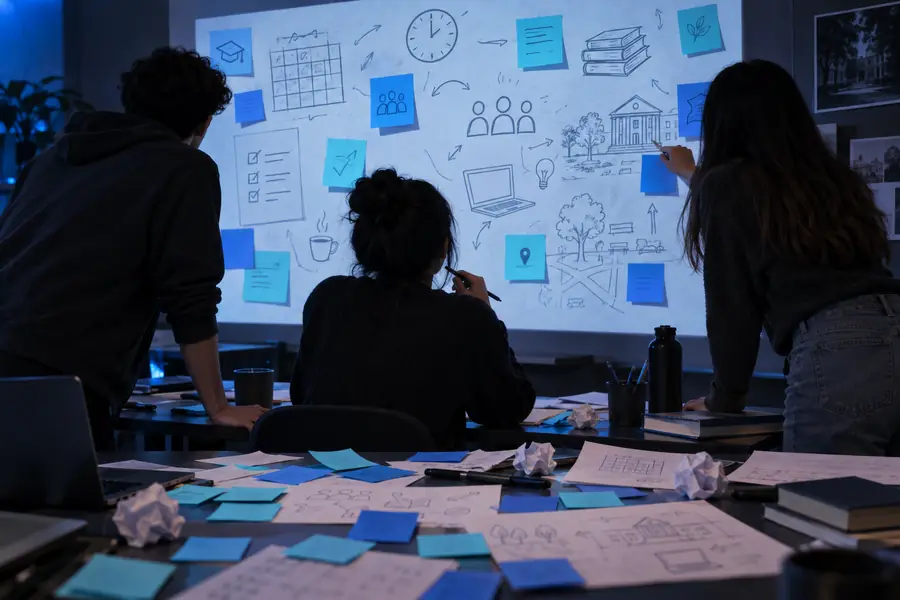
Abstract Emergent project workspace for planning a student app

Common student scenarios

The scenario’s pain

Student work often starts with a vague brief, a short deadline, and several competing requirements. These workflows show where an AI builder can reduce setup effort without replacing judgment.

The overloaded planner

A student has lecture notes, assignment criteria, and a deadline but no workable project structure.

Emergent can help turn the brief into milestones, screens, and a first-pass task list that the student can revise.

how to use emergent

The beginner builder

A student understands the problem they want to solve but has limited experience with interfaces, databases, or deployment.

A plain-language description can become a clickable prototype that makes the idea easier to inspect and explain.

emergent ai website builder

The research presenter

A student needs to demonstrate a concept clearly rather than spend the entire project building navigation and presentation scaffolding.

Emergent can provide a demo shell with focused screens, sample records, and a short explanation of the intended workflow.

emergent ai examples

The capstone team

Several students need a shared starting point for a campus service, study tool, or community project.

A generated first draft can give the team something concrete to divide into design, testing, documentation, and implementation tasks.

what can I build with emergent

A practical workflow

Three concrete workflows

The most useful student workflow is iterative: define the assignment, inspect the result, then document what changed and why.

Translate the brief

Paste the assignment goal, intended audience, required features, and constraints. Ask for a small first version rather than an ambitious final product.

Test the first draft

Click through the prototype, compare it with the rubric, and list missing states, unclear wording, accessibility issues, or unsupported assumptions.

Explain and refine

Ask for targeted changes, then write your own project notes explaining the decisions, tests, sources, and limitations behind the submission.

Student fit check

Example output

A student prototype should be judged as a draft artifact, not as proof that every requirement, source, or technical decision is correct.

Student project with Emergent Traditional first build
1

Starting point

Student project with Emergent

Written brief, audience, and requested outcome

Traditional first build

Blank project, framework choice, and setup decisions

2

Early deliverable

Student project with Emergent

Clickable concept with visible screens and sample flow

Traditional first build

Scaffolding before the core idea is visible

3

Learning responsibility

Student project with Emergent

Student must inspect, test, explain, and revise the output

Traditional first build

Student controls each implementation decision directly

4

Best use

Student project with Emergent

Exploration, prototyping, demonstrations, and structured drafts

Traditional first build

Deep implementation practice and full control over architecture

5

Risk to manage

Student project with Emergent

Unnoticed errors, generic wording, or features that do not match the rubric

Traditional first build

Time lost to setup, debugging, or unfamiliar tooling

6

Evidence for submission

Student project with Emergent

Screenshots, test notes, prompts, revisions, and source checks

Traditional first build

Code history, design files, tests, and implementation notes

7

Instructor conversation

Student project with Emergent

Useful visual artifact for discussing scope and design choices

Traditional first build

More direct evidence of manual construction and technical decisions

Compliance notes

What this route cannot do

Using an AI builder does not remove academic, privacy, or assessment obligations. Treat the output as material to evaluate and transform, not as an unquestioned submission.

It cannot guarantee academic permission

A course may restrict generative tools, require disclosure, or define which parts must be completed independently.

WorkaroundRead the assignment policy first and ask the instructor how AI-assisted prototyping should be reported.

It cannot verify every fact

Generated explanations, sample content, and research summaries may be incomplete, outdated, or confidently wrong.

WorkaroundCheck important claims against course materials and primary sources, then keep citations and verification notes.

It cannot protect sensitive coursework by default

Private student records, unpublished research, participant information, or assessment materials may be inappropriate to paste into an external tool.

WorkaroundRemove identifying details, use synthetic examples, and follow your institution’s data-handling rules.

It cannot replace original understanding

A polished interface may hide gaps in the student’s reasoning or make a project look finished before it has been tested.

WorkaroundKeep a decision log, explain the workflow in your own words, and demonstrate that you can defend the result.

From brief to draft

See the change from blank page to project artifact

The visual difference is useful only when the student can describe the decisions behind it and identify what still needs testing.

Unstructured brief

Student assignment concept before it is organized into a prototype
Structured student project prototype after an initial build
Inspectable prototype

The second image is a draft, not a finished submission.

Start with a small brief

Turn your next assignment into a testable draft

Describe the audience, outcome, required features, and constraints in plain language. Use the first result to ask better questions, compare it with the rubric, and create documentation that shows your own thinking.

  • Start with one focused workflow
  • Test against the assignment rubric
  • Document AI-assisted decisions

Student questions

Scenario FAQ

It can be useful for students who need to explore an app or website idea, create a demonstration, or organize an early project draft. Suitability depends on the course rules and on whether the student can explain, test, and revise the resulting work.

Only when the instructor or institution permits the relevant kind of AI assistance. Students should check the assignment guidance, disclose their use when required, and avoid presenting generated work as independent effort if the rules prohibit that.

Student experience can vary with the assignment, technical goals, and amount of review needed after generation. A useful review should consider output quality, clarity of the workflow, ease of correction, privacy expectations, and whether the tool fits the course policy.

It may be a practical starting point for a small app prototype or classroom demonstration, especially when the goal is to make an idea visible quickly. It is less suitable when the assignment specifically assesses manual coding, detailed architecture, or full control of the implementation.

Compare every major feature with the rubric, test the main user flow, and check generated facts and content. Keep a record of prompts, edits, sources, and decisions so you can explain what the tool contributed and what you contributed yourself.

Start building
Start building